> ## Documentation Index
> Fetch the complete documentation index at: https://docs.phala.com/llms.txt
> Use this file to discover all available pages before exploring further.
> Deploy pre-built confidential applications on Phala Cloud using templates.
# Explore Templates
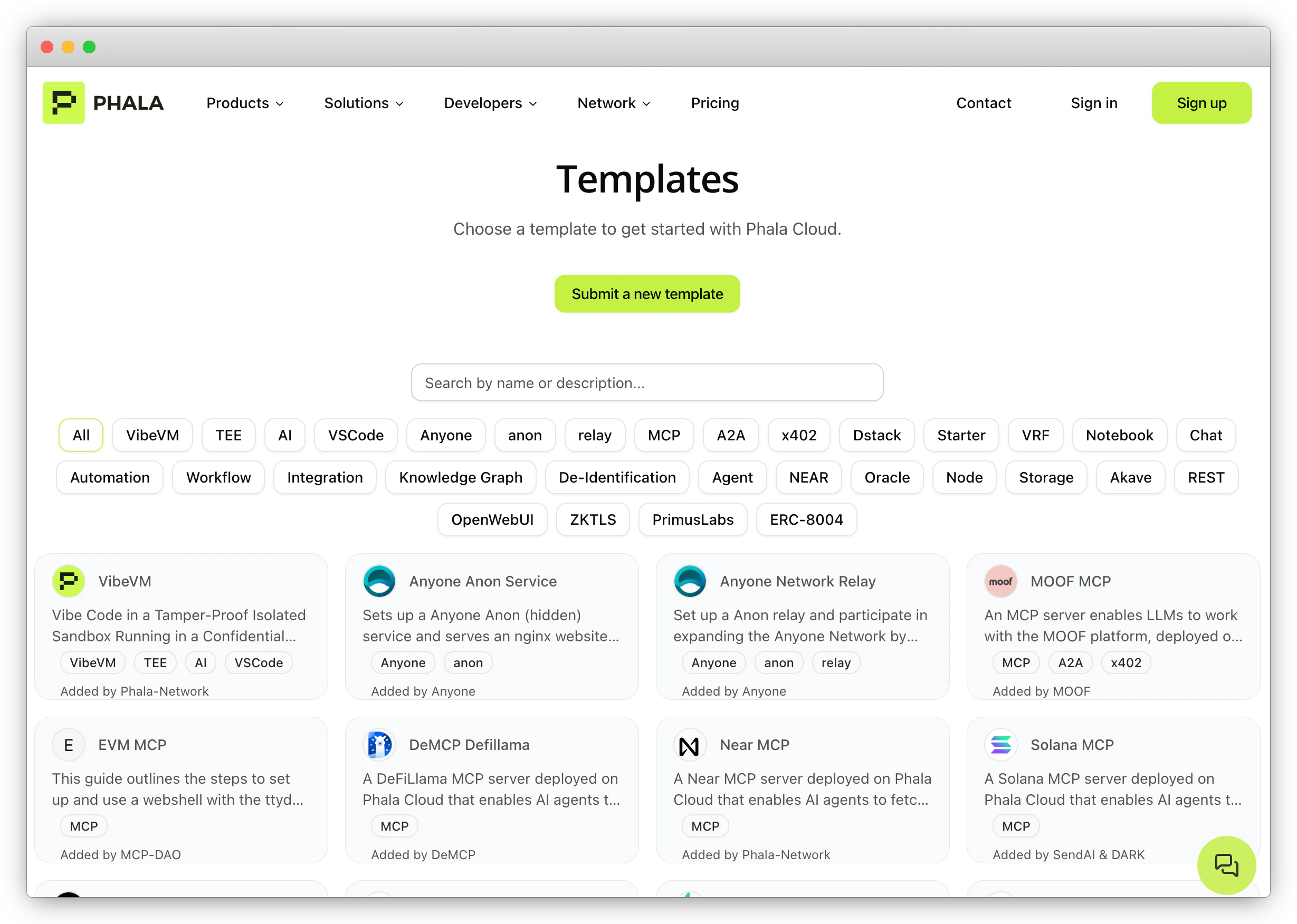 [**Phala Cloud Templates**](https://cloud.phala.com/templates) provide pre-built, production-grade setups for deploying confidential applications. Browse templates by category — including MCP, A2A, AI, Next.js, x402, and more — and deploy them to a TEE with one click.
To use a template:
1. Visit the [Templates page](https://cloud.phala.com/templates)
2. Search or filter by category to find a template
3. Click on a template card and follow the deploy instructions
[**Phala Cloud Templates**](https://cloud.phala.com/templates) provide pre-built, production-grade setups for deploying confidential applications. Browse templates by category — including MCP, A2A, AI, Next.js, x402, and more — and deploy them to a TEE with one click.
To use a template:
1. Visit the [Templates page](https://cloud.phala.com/templates)
2. Search or filter by category to find a template
3. Click on a template card and follow the deploy instructions